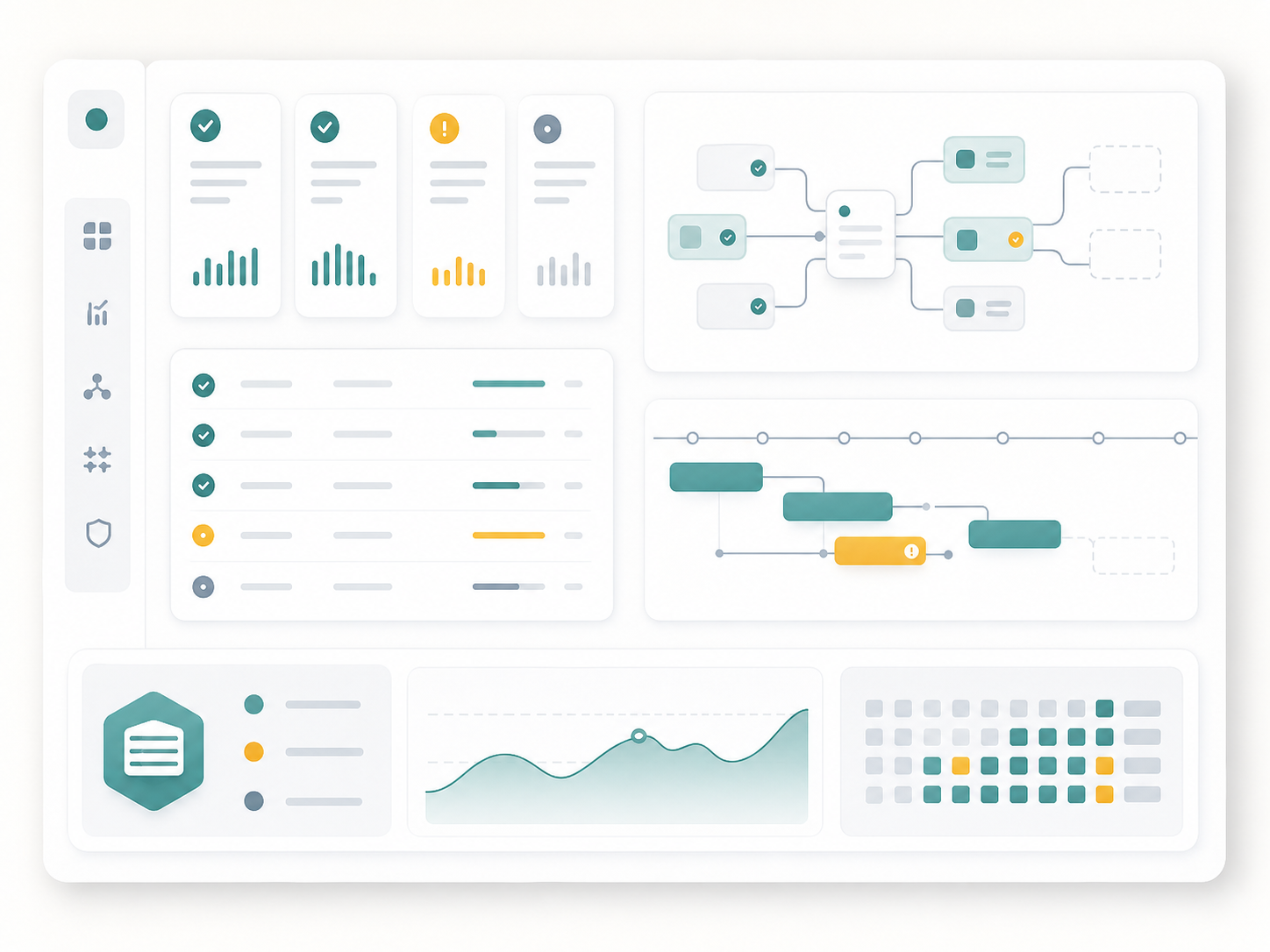
OpsSlate is a lightweight self-hosted operations dashboard foundation focused on automation visibility, job health, dependency awareness, and practical status review.
Problem Shape
Self-hosted routines can become harder to trust when job health, status, dependencies, repeated checks, and maintenance notes live in separate places. The product direction is a small dashboard that makes operational intent easier to see without turning into heavy infrastructure or exposing private operations.
Product Direction
- Keep the operating model lightweight.
- Make job health, status, and dependency signals easier to scan.
- Use simple configuration and status files where they fit the self-hosted-first model.
- Preserve careful add, edit, and delete behavior for configuration changes.
- Treat script execution, notification sending, and broader automation as future direction unless separately implemented and validated.
- Describe operational patterns without publishing private service details.
Engineering Notes
The useful engineering work is in restraint: small configuration surfaces, obvious status language, dependency-aware checks, and workflows that reduce repeated manual checking. The documented foundation reads job definitions from YAML, reads each job’s status from JSON, and applies final status rules that keep missing data, invalid status data, stale output, warnings, errors, success, and dependency blocking distinguishable.
OpsSlate also shows a practical self-hosted-first privacy boundary. The app is useful because it makes private operations easier to scan, but the public case study does not need internal job names, private operational destinations, dashboards, host details, or live app links to explain the engineering work.
Evidence Signals
- The documented app foundation uses ASP.NET Core Razor Pages.
- Job definitions are configuration-driven, and status is read from per-job JSON output.
- Final status precedence is explicit, including dependency blocking when prerequisites are not successful.
- Add, edit, and delete workflows back up configuration and preserve existing job entries rather than rewriting unrelated state.
- A local smoke runner creates safe temporary fixture data for repeatable validation without production configuration.
Public Boundary
This page focuses on product direction and operational clarity. Private app links, internal job names, private infrastructure details, private operational destinations, credentials, logs, private routes, and environment-specific URLs stay out of view.